

Ubuntu
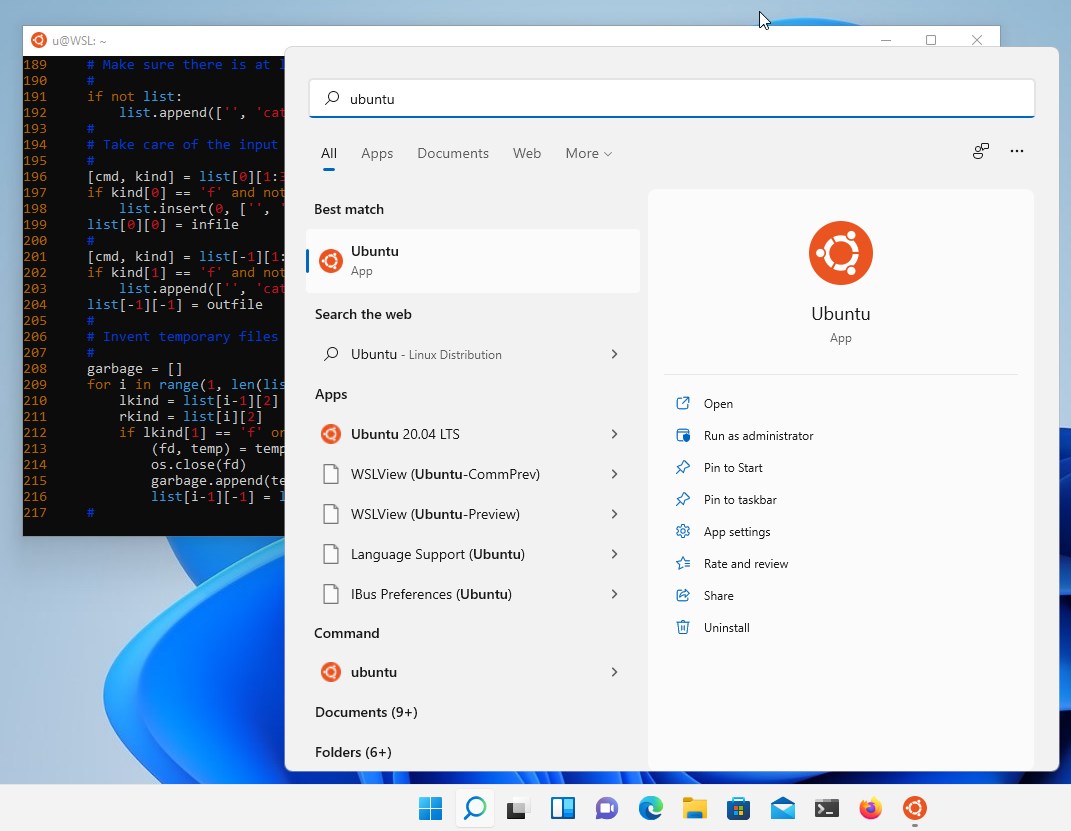
Explore how the Ubuntu terminal environment brings native Linux power directly to your Windows desktop. Read our full review of Ubuntu for WSL.
The Ultimate Bridge for Cross-Platform Development
Developers working on Windows have historically faced a difficult choice: sacrifice the power of native Linux command-line utilities, or manage the overhead of heavy virtual machines. The Ubuntu terminal environment on Windows Subsystem for Linux (WSL) completely eliminates this friction. Published by Canonical Group Limited, this integration allows software engineers, data scientists, and system administrators to run a full-fledged Linux environment directly alongside their favorite Windows productivity applications.
Key Features of the Ubuntu Terminal Environment
Whether you are maintaining legacy infrastructure or building cutting-edge artificial intelligence models, this tool brings unmatched utility to your local machine:
- Comprehensive Command Line Suite: Gain immediate access to essential utilities like
bash,ssh,git,apt,npm, andpipwithout leaving Windows. - Advanced Container Management: Run and manage Docker containers with highly optimized performance and near-instantaneous startup times.
- GPU Acceleration for AI/ML: Leverage the raw power of your local NVIDIA hardware with CUDA support, making local machine learning workflows incredibly efficient.
- Consistent Cloud Workflows: Ensure your local development environment mirrors your cloud production servers, minimizing deployment surprises.
- Long-Term Stability: Enjoy peace of mind with 5 years of security patching provided by the Long Term Support (LTS) lifecycle.
Who Benefits Most From This Integration?
The Ubuntu terminal environment is tailored specifically for modern technical professionals. Web developers can run native Node.js or Python scripts effortlessly, while data scientists can configure complex data pipelines using GPU acceleration. Additionally, IT administrators can manage cloud infrastructure using native Linux commands, making it an indispensable tool for hybrid DevOps environments.
Smooth Installation and Seamless Performance
Getting started is straightforward. Users simply need to enable "Windows Subsystem for Linux" within their Windows features, restart, and launch the environment. With its lightweight footprint, it delivers bare-metal Linux performance without the resource drain associated with traditional hypervisors.
If you are ready to elevate your development workflow, you can explore more and find the application on the official Microsoft Store.