
Cleaner for PC
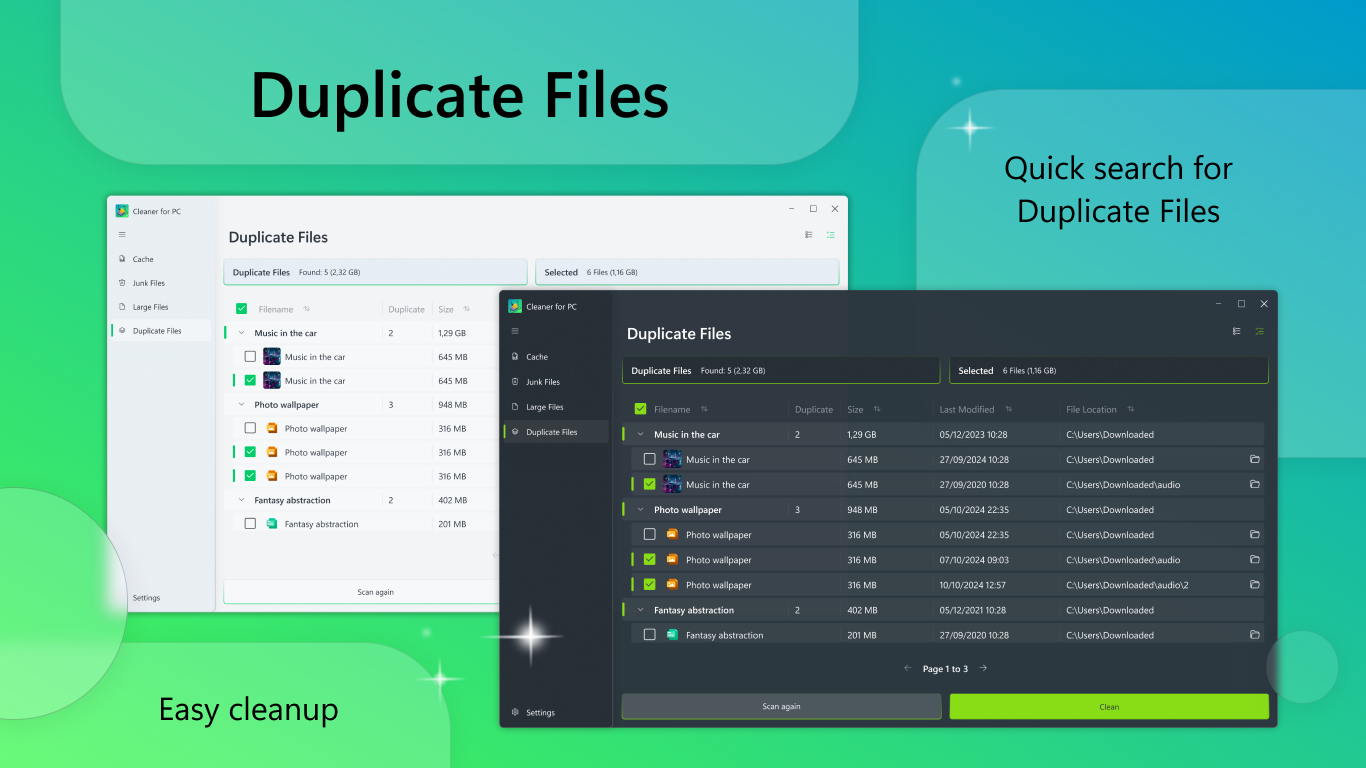
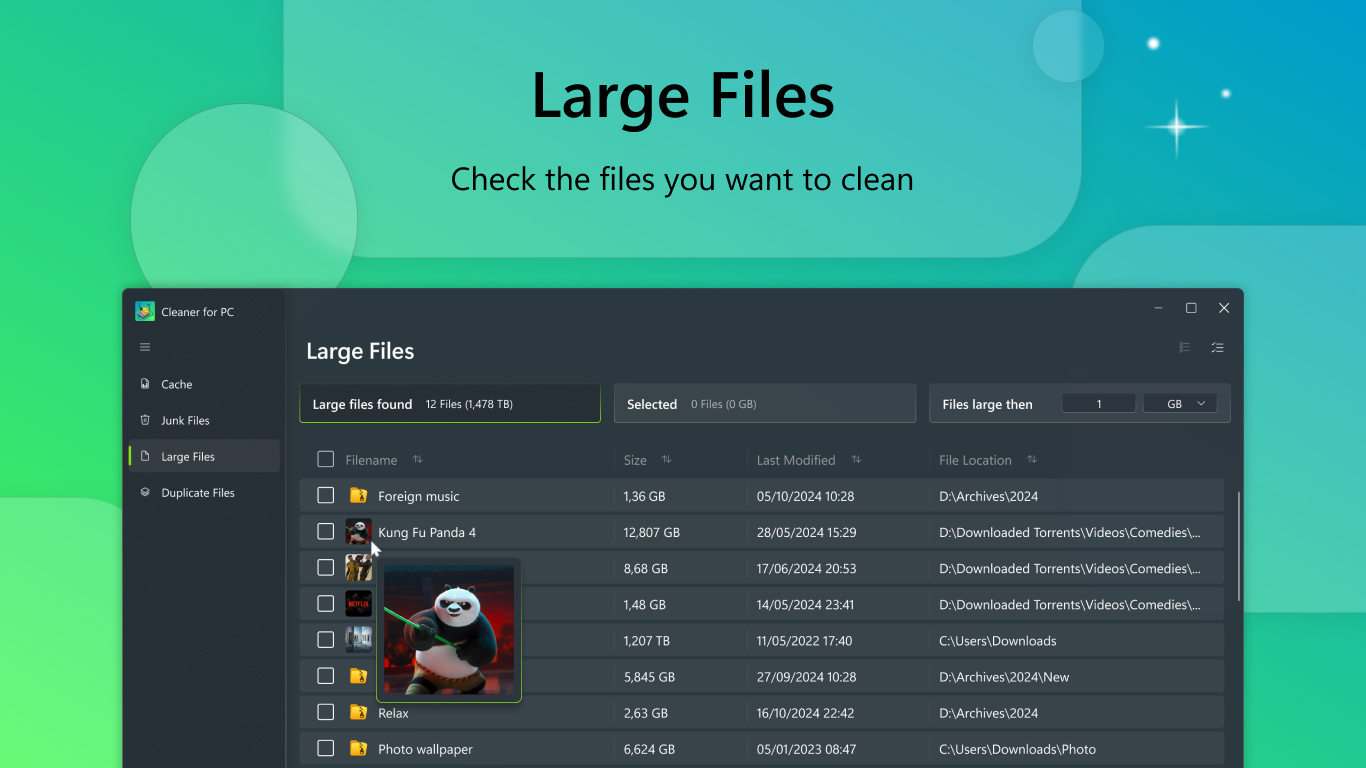
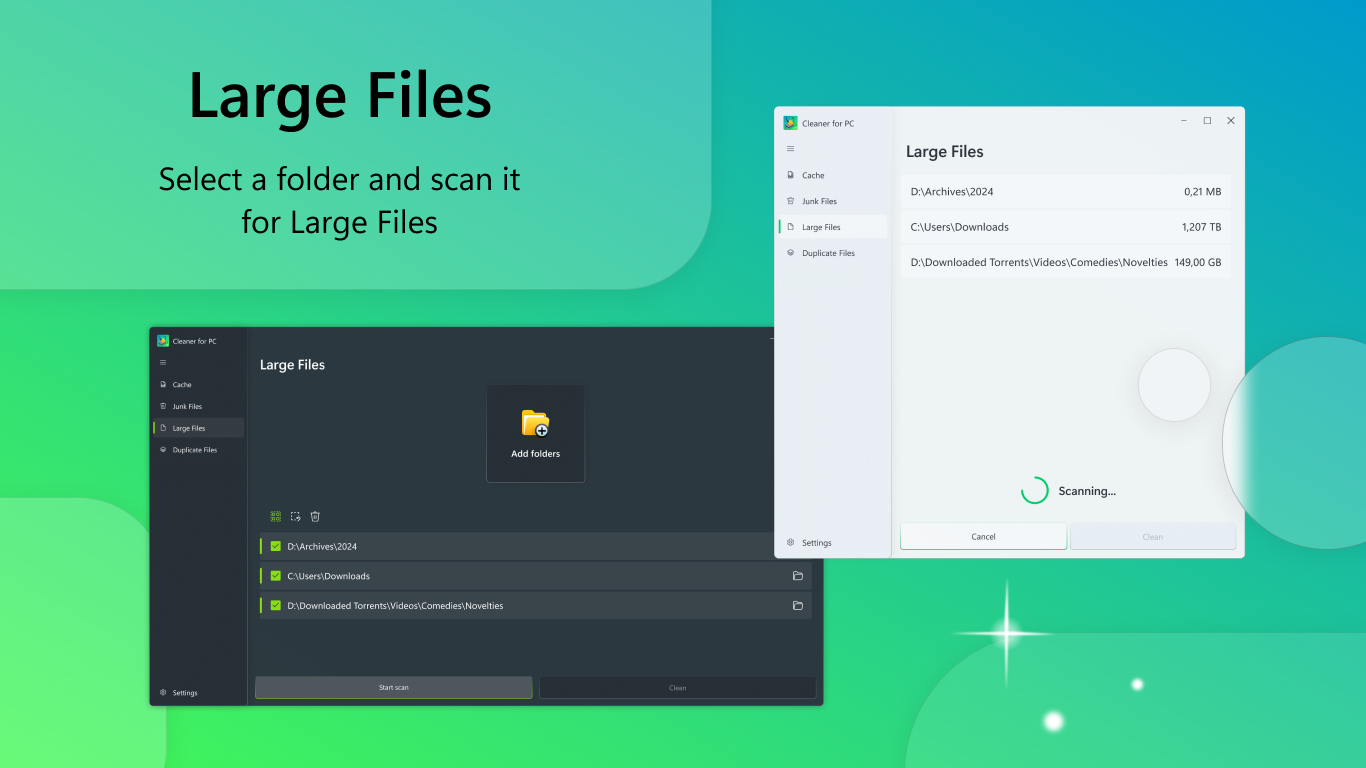
Read our comprehensive review of Cleaner for PC. Learn how this Windows utility scans, optimizes, and reclaims your storage space safely.
If your computer is starting to lag, the primary culprit is often a buildup of digital debris. Cleaner for PC is a dedicated system optimization tool designed to target and eliminate this clutter, helping you reclaim precious hard drive space and restore your machine's responsiveness.
How the Cleaner for PC Utility Revitalizes Your System
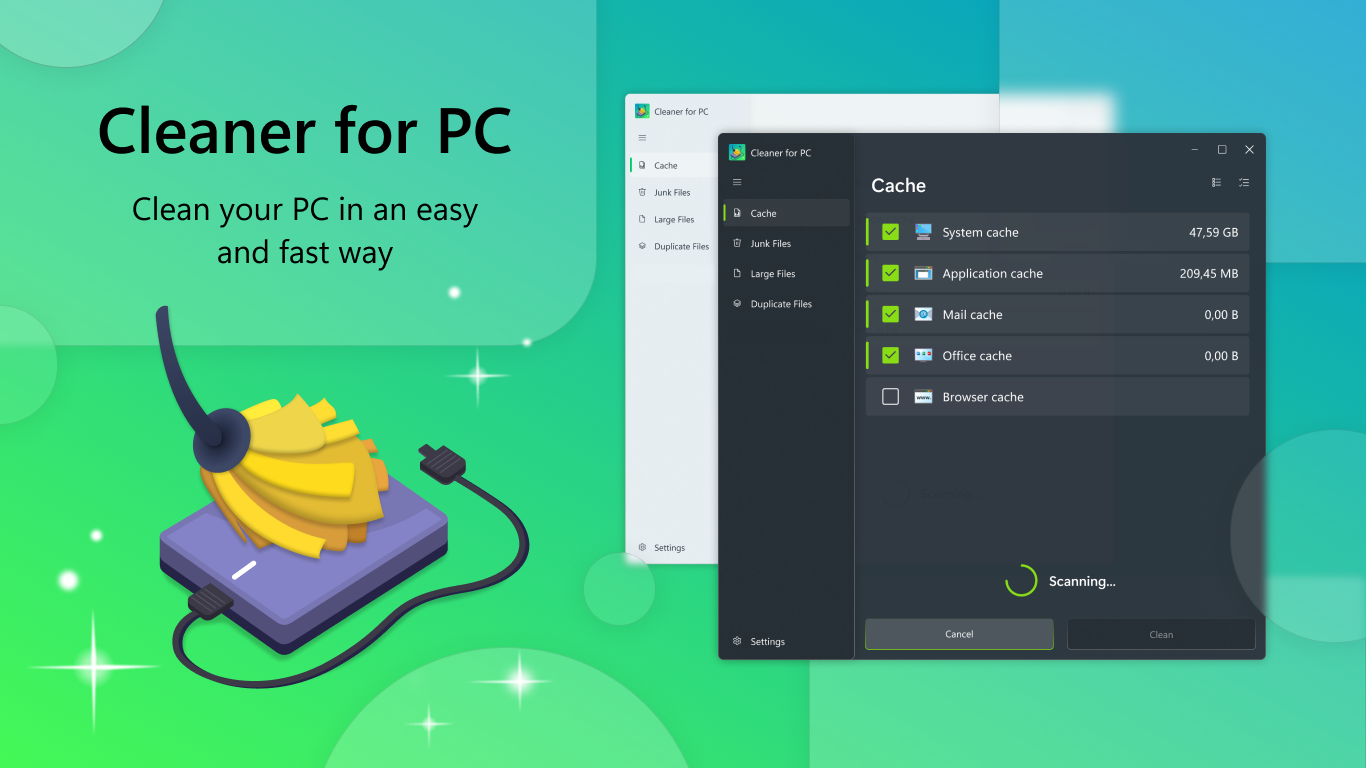
Over time, daily web browsing, software installations, and system updates leave behind a trail of temporary files. This application acts as a digital broom, systematically scanning your storage drives for unnecessary data that no longer serves a purpose.
By targeting specific areas of your operating system, the tool ensures that safe-to-delete files are removed without risking your personal documents. Here is how it optimizes your computer:
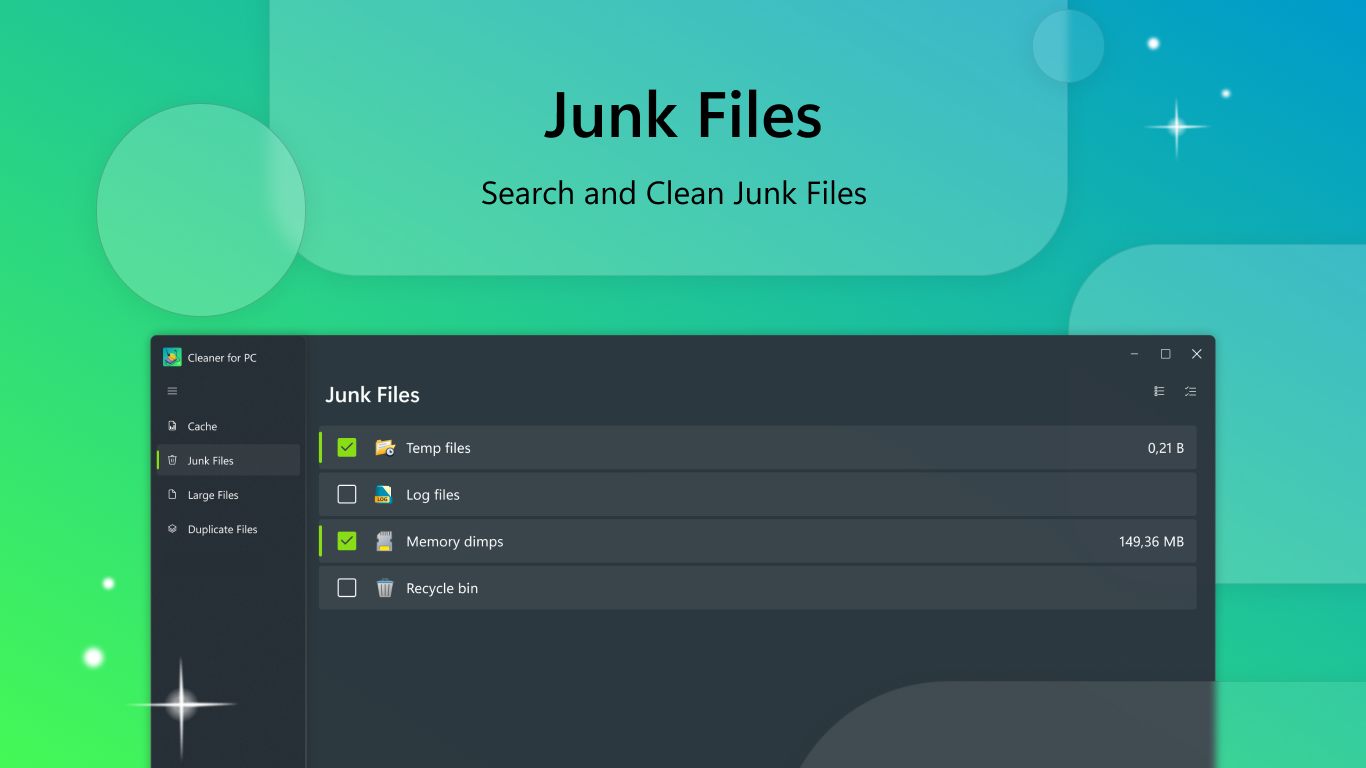
- Junk File Detection: Scans deep within system directories to locate orphaned files and temporary data.
- Browser History Cleanup: Clears cached files and tracking data from your web browsers to enhance privacy and free up space.
- WinUI 3 Architecture: Built on Microsoft's modern desktop framework, offering a clean, responsive, and intuitive user experience.
- Automatic Dependencies: The application automatically configures the necessary .NET Desktop Runtime during its setup process, ensuring a hassle-free launch.
Who Is This Optimization Tool For?
This software is tailored for Windows users who want a straightforward, no-nonsense approach to maintenance. Whether you are a casual user noticing slower boot times or someone working on a device with limited solid-state drive (SSD) capacity, the streamlined interface makes system cleanup accessible without requiring advanced technical knowledge.
The Verdict: A Simple Path to a Faster Computer
Yellow Elephant Productions has delivered a highly focused utility that does exactly what it promises: clears the clutter so your operating system can breathe. By focusing on essential cleaning tasks rather than overwhelming users with complex settings, it provides a safe and efficient way to maintain system health.
Ready to give your computer a fresh start? You can learn more and download the application directly from the official Microsoft Store page.