
Files Manager Free
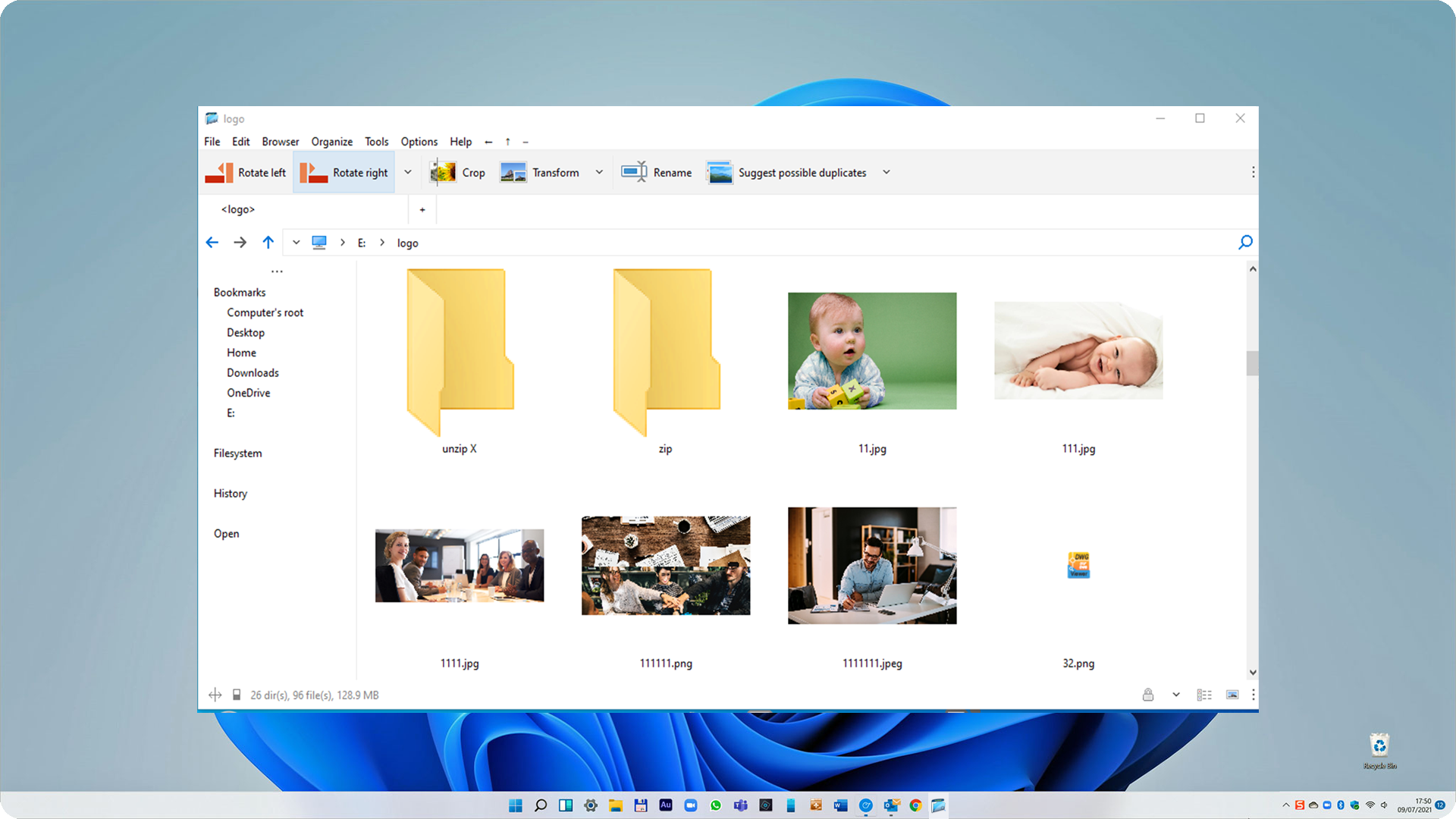
Discover Files Manager Free, a powerful Windows utility for file compression and archiving. Read our full review of its features and capabilities.
The Challenge of Managing Scattered and Large Archives
Whether you are dealing with massive email attachments, backing up sensitive work files, or trying to declutter your local storage, handling compressed files is an everyday challenge for Windows users. Standard built-in tools often fall short when you encounter complex formats or require advanced encryption. The Files Manager Free archiver utility addresses these pain points by offering a unified, high-performance interface to organize, compress, and extract your files with ease.
What is Files Manager Free?
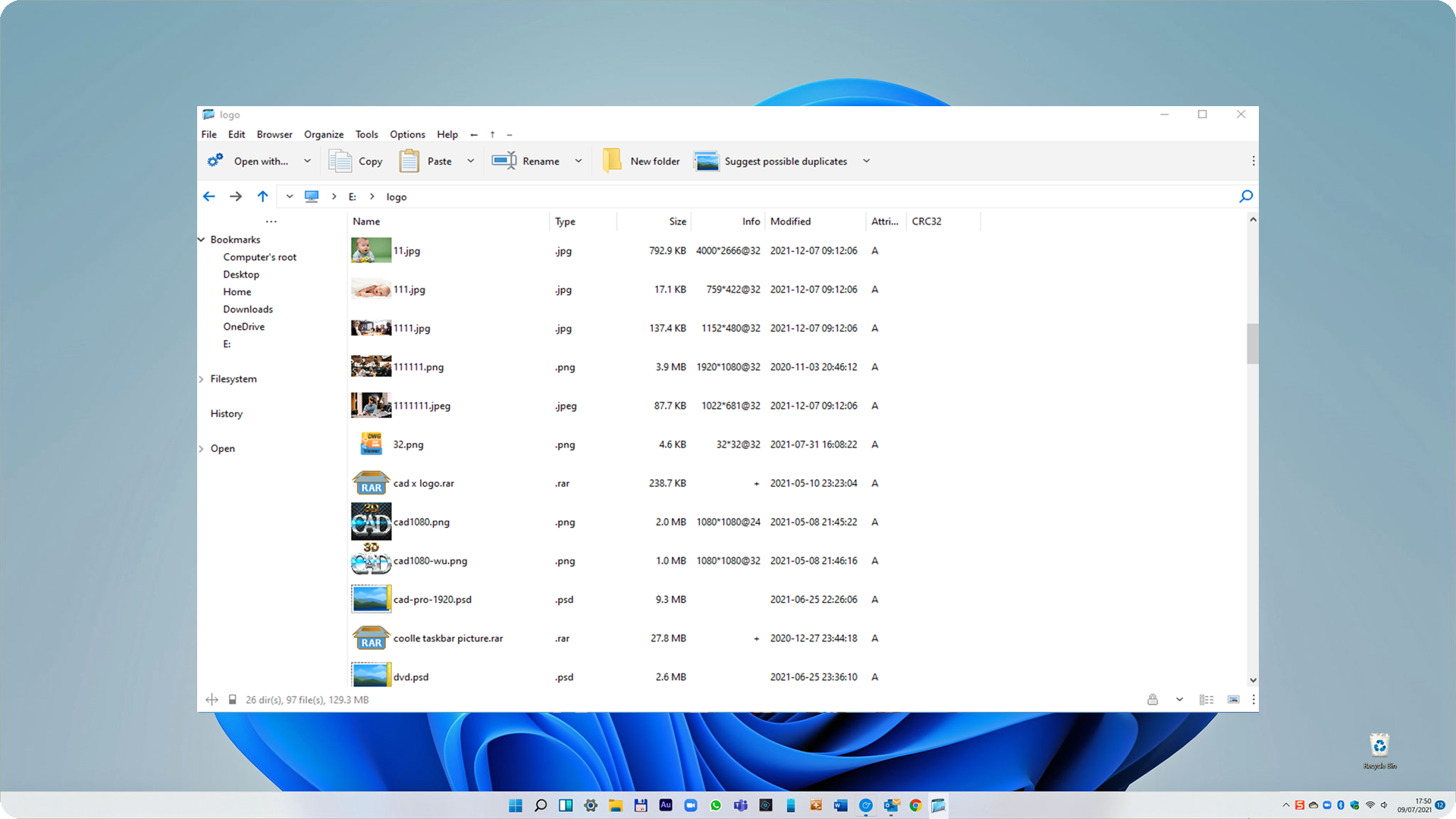
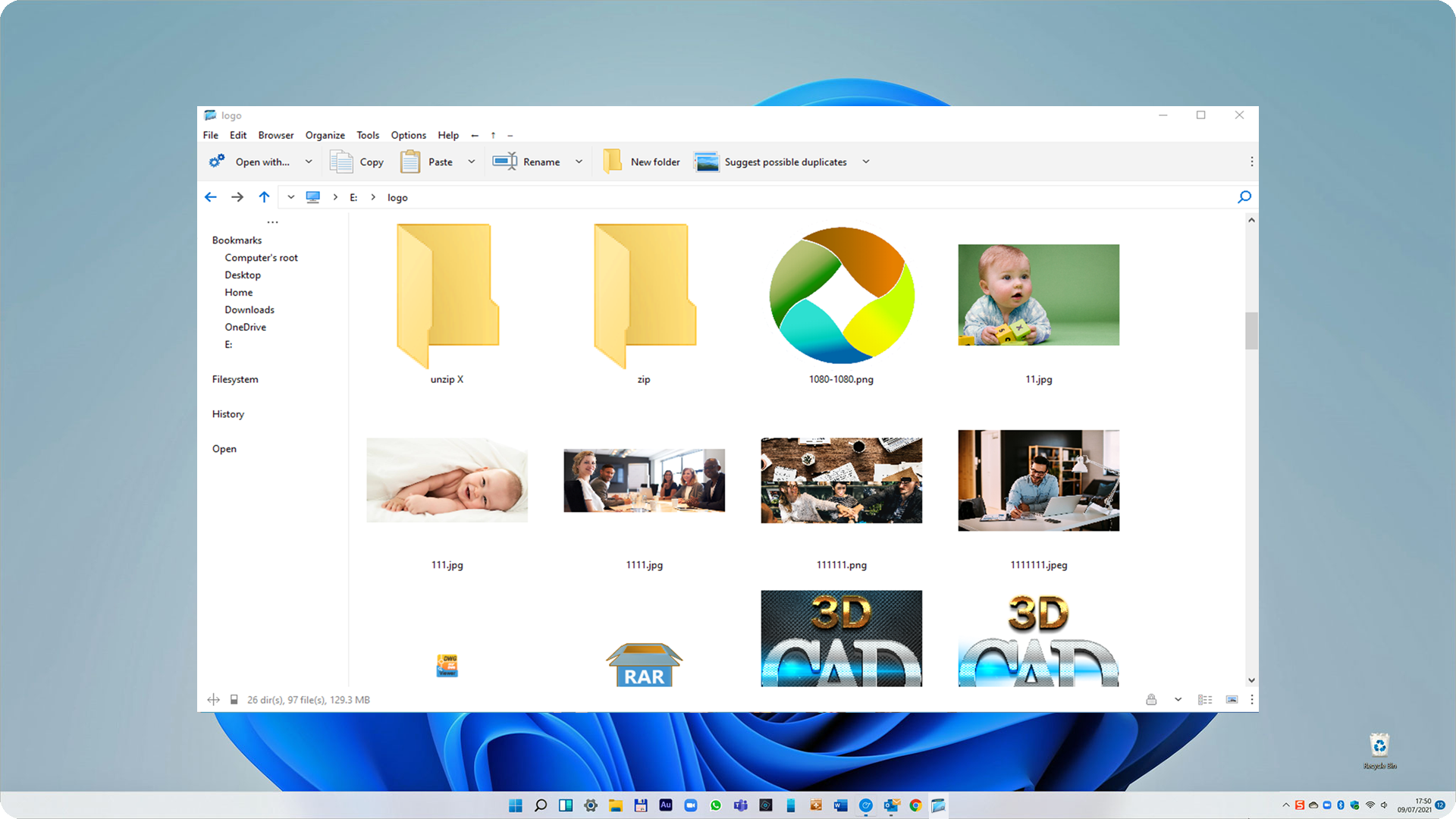
Developed by MediaHub, Files Manager Free archiver utility is a dedicated Windows application designed to streamline your file management and archive workflows. Built upon trusted open-source technology modified from the PeaZip project, it integrates powerful backends like 7-Zip, FreeArc, PAQ, and UPX into a single, intuitive graphical user interface. This portable-friendly utility serves as both a robust file explorer and a versatile archive manager.
Key Features and Capabilities
This utility goes far beyond basic zip extraction. It delivers a comprehensive suite of tools for users who need precise control over their data packages:
- Extensive Format Support: Create archives in formats such as 7Z, ARC, TAR, ZIP, and Zstandard. You can also open and extract content from over 200 file types, including ACE, CAB, DEB, ISO, RAR, and ZIPX.
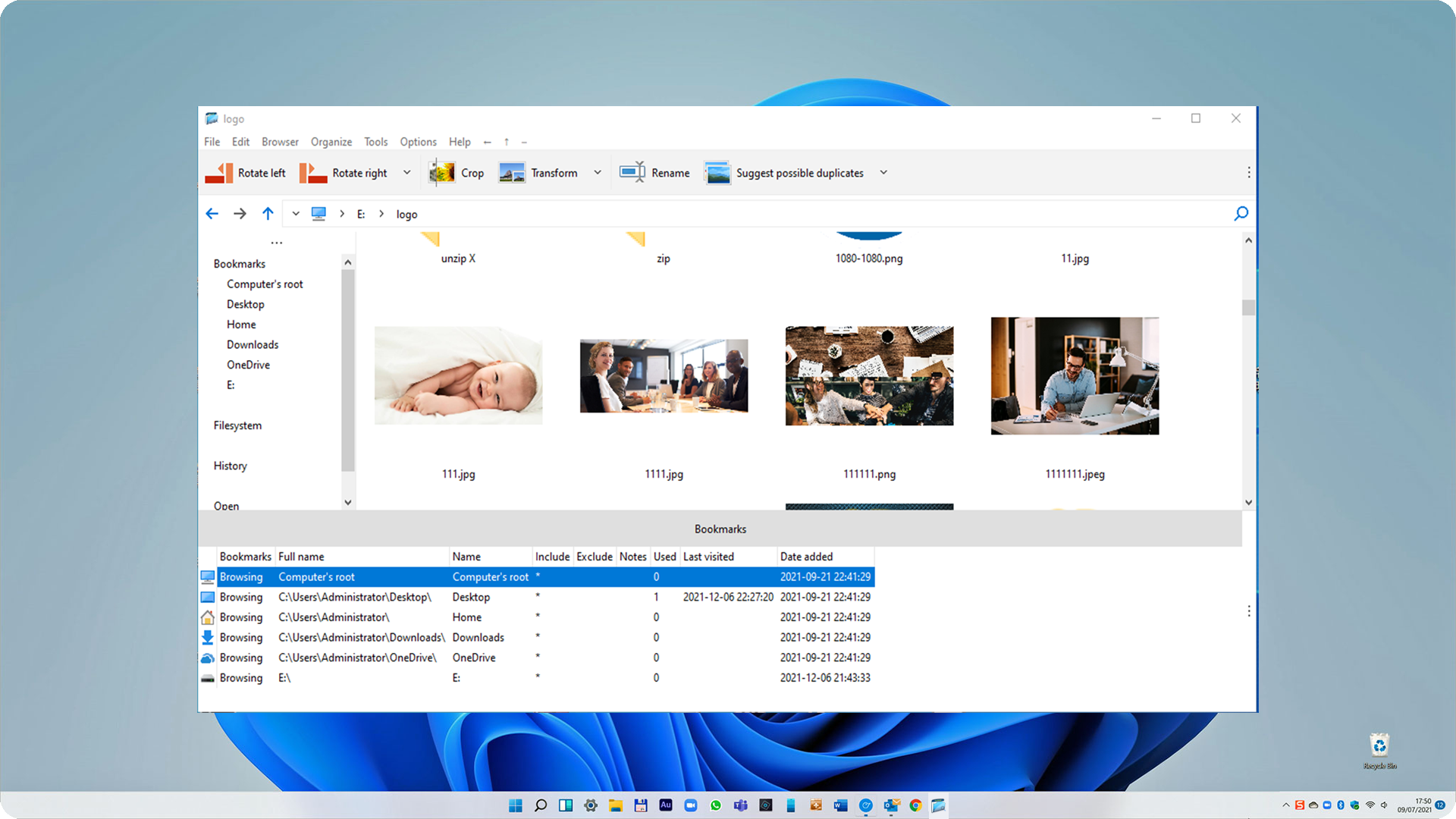
- Advanced Security: Protect your sensitive data with strong encryption, two-factor authentication, and an integrated encrypted password manager.
- File Optimization Tools: Easily split large files into smaller volumes, merge archives, locate duplicate files, and calculate cryptographic hashes to verify file integrity.
- Secure Deletion: Permanently erase files to ensure they cannot be recovered by unauthorized recovery software.
- RAR to ZIP Conversion: Utilize the built-in RAR opener to access proprietary archives and instantly convert them into open-standard ZIP formats.
Who is This Archiver Utility For?
The Files Manager Free archiver utility is highly suited for IT professionals, developers, and everyday Windows users who regularly transfer large batches of data. If you frequently handle diverse archive formats or require secure, password-protected compression without switching between multiple lightweight tools, this application provides an all-in-one desktop workstation.
Get Started with Files Manager Free
By combining high-speed compression engines with an easy-to-navigate graphical interface, this tool simplifies complex archiving tasks into a few simple clicks. If you are ready to upgrade your storage management workflow on Windows, head over to the official Microsoft Store page to learn more and explore Files Manager Free today.