

ProtonPlus
Read our comprehensive review of ProtonPlus, a modern compatibility tools manager designed to streamline your gaming setup on Linux desktops.
An Intuitive Way to Handle Linux Gaming Runtimes
Setting up Windows-based games on Linux has become incredibly sophisticated, but managing the underlying translation layers can quickly become a chore. Enter ProtonPlus compatibility tools manager, a dedicated open-source utility designed to centralize the download, installation, and updating of various compatibility layers. Created by developer Vysp3r, this lightweight application removes the manual friction of hunting down GitHub releases or managing directory structures for different game launchers.
Centralized Control Across Multiple Launchers
Instead of configuring settings independently for every gaming platform you use, the ProtonPlus compatibility tools manager bridges the gap between your launchers and your runtimes. It detects installed platforms automatically and allows you to deploy tools across a wide variety of popular environments, including:
- Steam
- Lutris
- Heroic Games Launcher
- Bottles
- WineZGUI
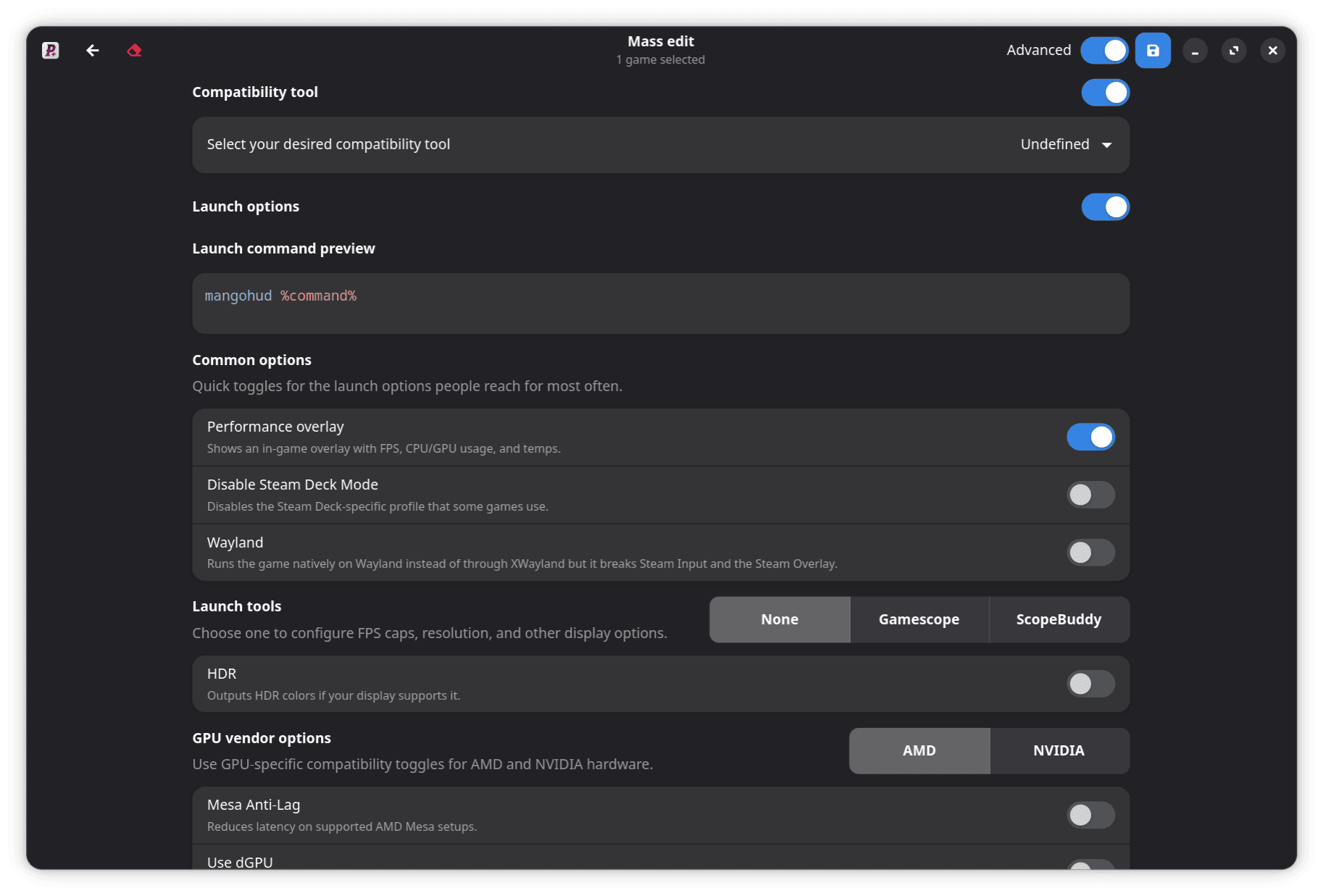
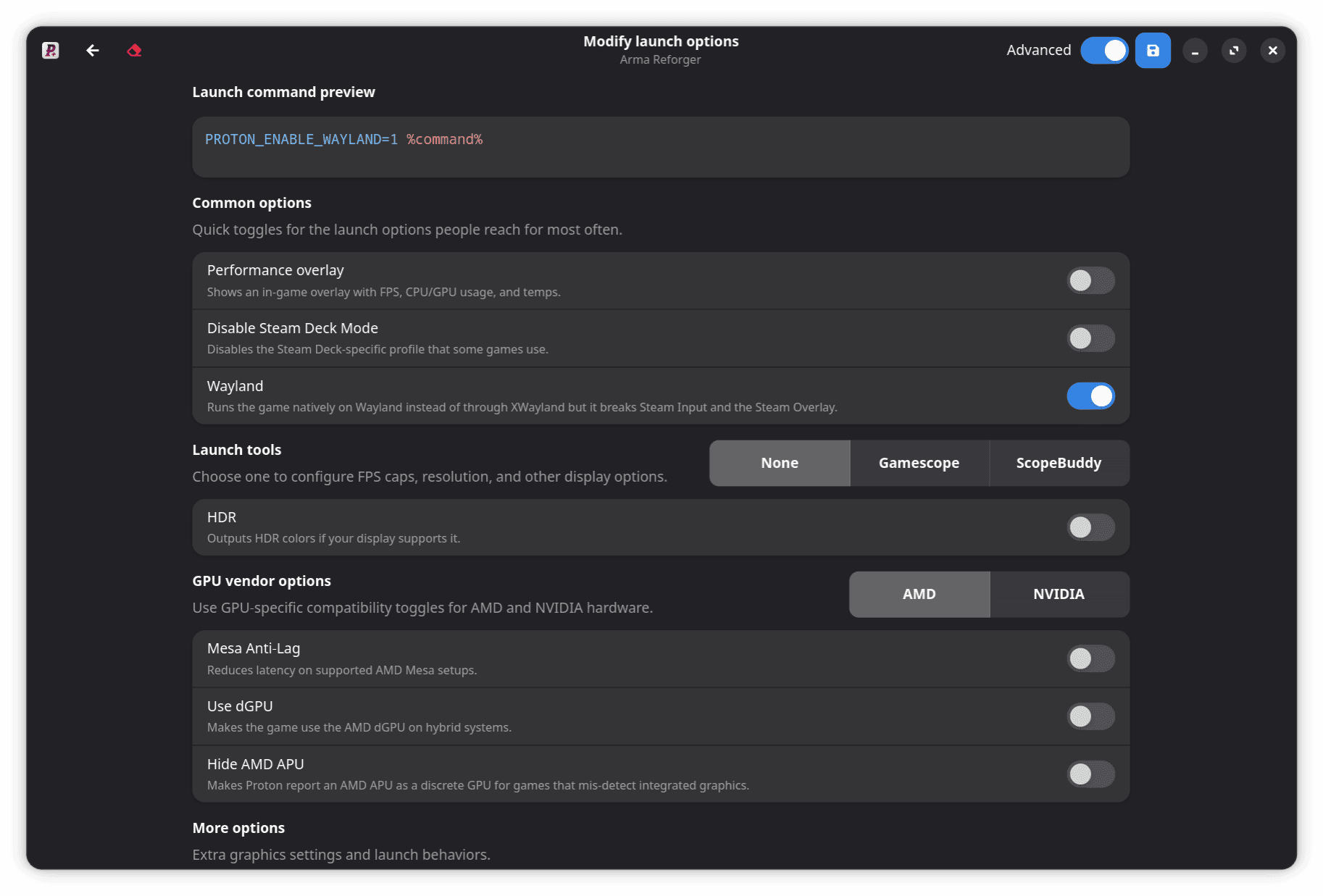
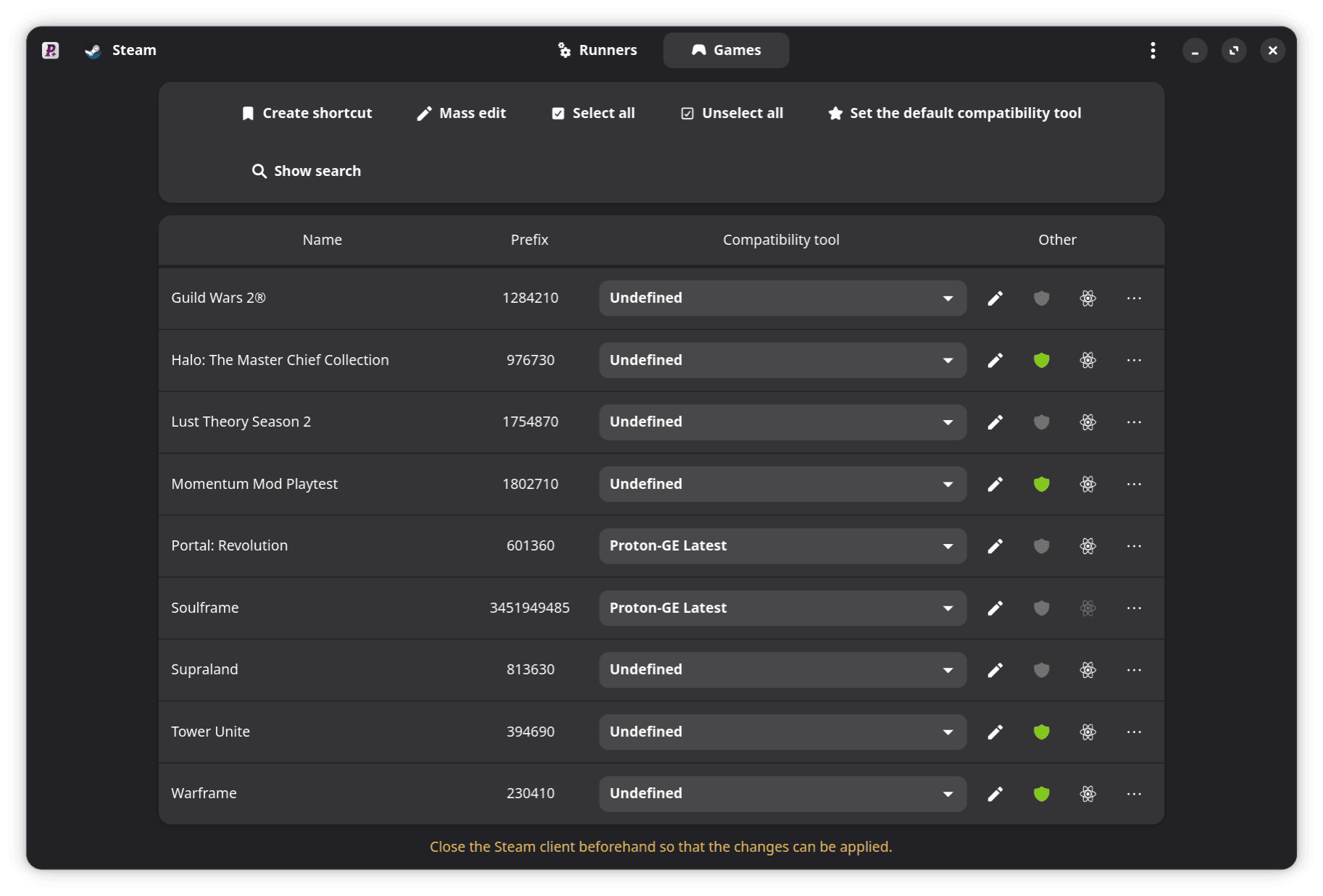
By scanning these environments, the software lets you easily change the default compatibility tool and adjust launch options directly for your Steam games, saving you from digging through complex properties menus.
Unmatched Support for Custom Runtimes
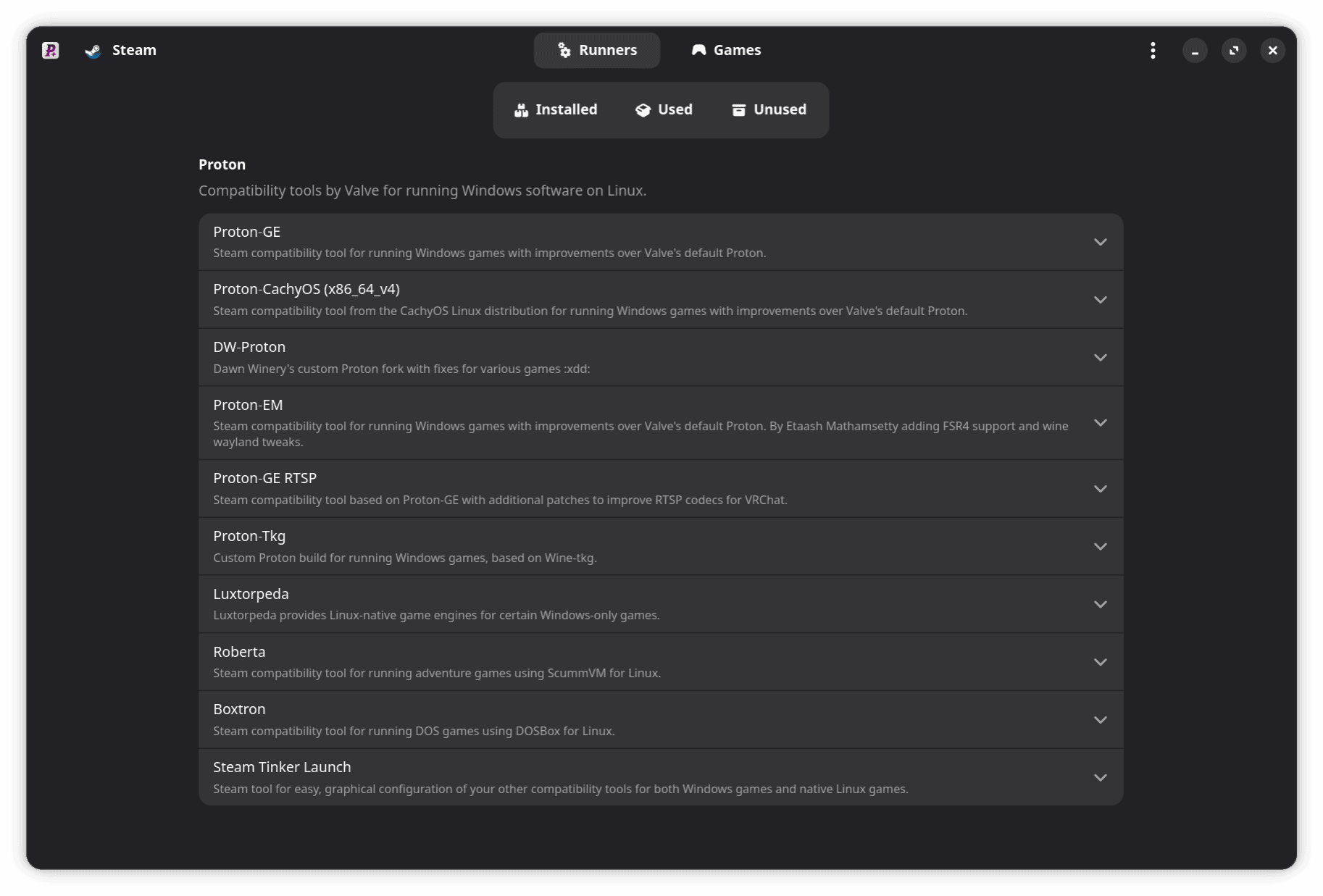
One of the strongest aspects of this utility is its extensive compatibility matrix. Rather than limiting you to standard Proton releases, it supports an impressive list of community-driven translation tools and modifications, such as:
- Proton-GE, Proton-GE RTSP, and Proton CachyOS
- Luxtorpeda, Boxtron, and Roberta
- DXVK, DXVK (Sarek), and DXVK GPL+Async (Ph42oN)
- VKD3D-Lutris and VKD3D-Proton
- Alternative builds like Kron4ek Wine-Builds (Vanilla, Staging, and Proton)
Who Is This Utility For?
If you regularly switch between different versions of Proton-GE to fix specific game bugs, or if you use a mix of the Heroic Games Launcher and Steam, this manager is an essential addition to your desktop. It eliminates manual folder extraction and ensures your runners are always up to date with minimal effort.
Explore the Official Release
For Linux gamers seeking a cleaner, more organized way to manage their gaming runtimes without manual terminal work, this utility is highly recommended. To learn more about the project, view the source, or install it on your system, visit the official ProtonPlus Flathub page.