

NanoBrowser : mini web browser
Discover NanoBrowser, the ultra-compact floating browser for Mac. Read our full review of this overlay web tool designed to boost your multitasking efficiency.
The Multitasking Dilemma Solved on macOS
Picture this: you are deep in a coding session, writing a complex report, or designing a presentation, and you constantly need to glance at a video tutorial, a translation tool, or your live social feed. Constantly switching tabs or resizing bulky windows disrupts your focus and slows down your workflow. The NanoBrowser mini web browser is designed precisely to eliminate this friction by offering an elegant, lightweight overlay solution for Mac users.
What is the NanoBrowser Mini Web Browser?
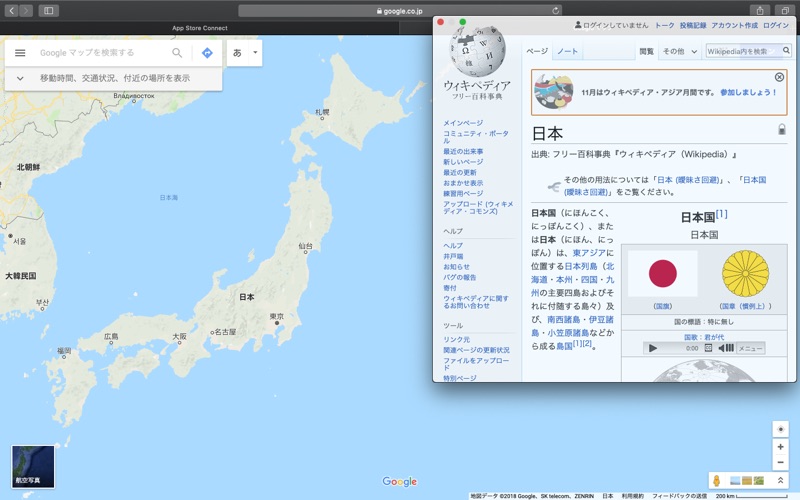
Developed by Masaharu Tsukamoto, the NanoBrowser mini web browser is a specialized utility categorized under internet applications. Unlike standard web browsers that demand significant screen real estate, this compact tool is built to reside permanently at the forefront of your screen. Whether you are operating in a standard desktop layout or utilizing maximized application screens, this utility ensures your secondary web content remains visible without interrupting your primary workspace.
Key Features for Seamless Multitasking
- Persistent Forefront Display: The browser stays pinned on top of other active windows, even when you are working inside a maximized application.
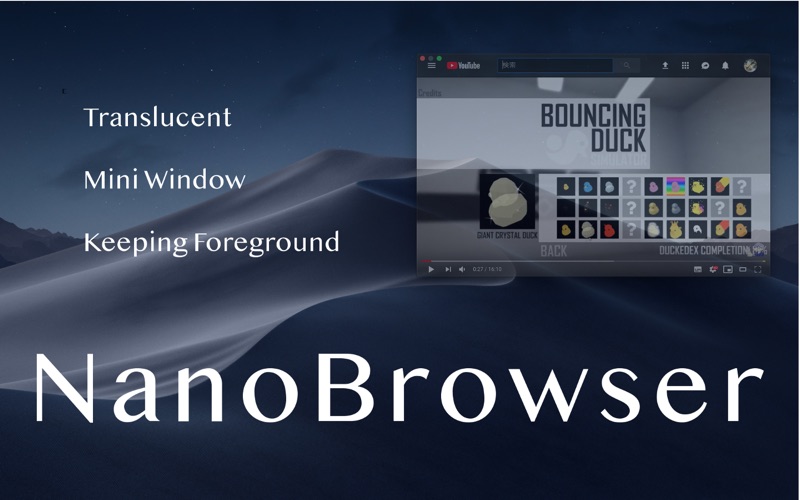
- Adjustable Transparency: Users can effortlessly toggle between translucent and non-transparent modes directly from the status bar application icon, allowing you to customize visibility based on your current task.
- State Preservation: To ensure you never lose your place, the application memorizes your last open tab, allowing you to resume your work instantly upon reopening.
- Effortless Auto-Start: You can configure the utility to launch automatically at login by right-clicking the dock icon and adjusting your options.
Common Use Cases
The versatility of the NanoBrowser mini web browser makes it highly adaptable to various professional and casual workflows:
- Keeping Google Translate open while drafting multi-lingual documents.
- Watching instructional videos or software tutorials while following along in your primary application.
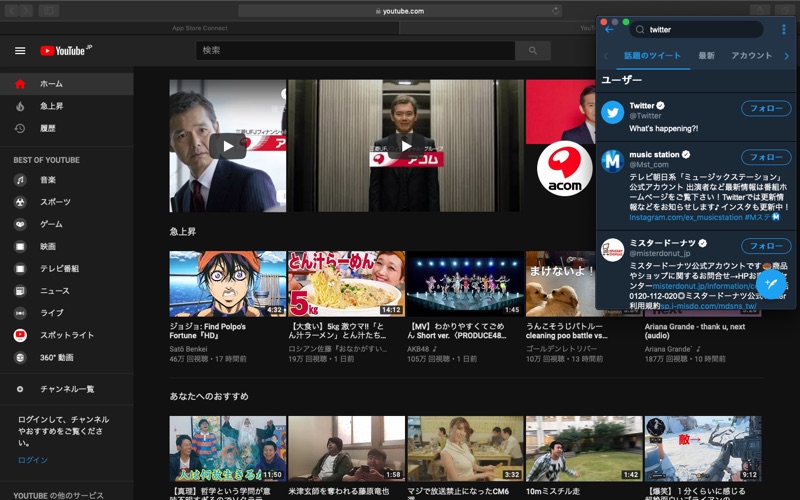
- Monitoring live social feeds, such as Twitter, or keeping an eye on web-based communication tools.
- Streaming background music, podcasts, or radio stations with quick-access controls.
Is It Right For You?
If you find yourself constantly wrestling with window management on macOS, this tool offers a streamlined, distraction-free alternative. It does not replace your primary browser but serves as a highly efficient companion tool dedicated to keeping essential reference materials, widgets, and streams exactly where you can see them. To explore this utility further and add it to your macOS workflow, visit the official Mac App Store to get started.